



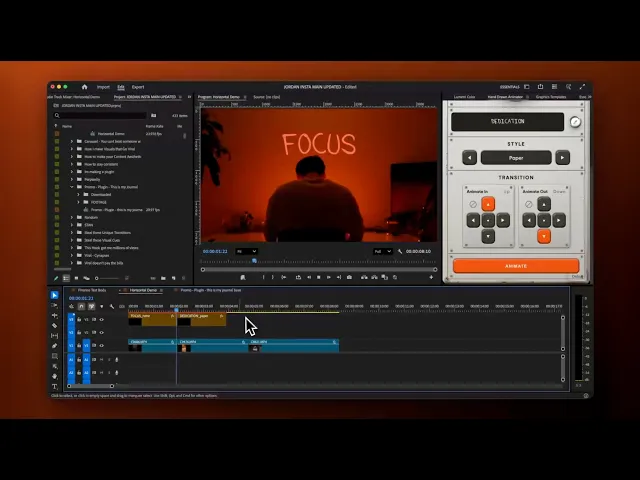
Create stunning text animations in just one click.
See it in Action
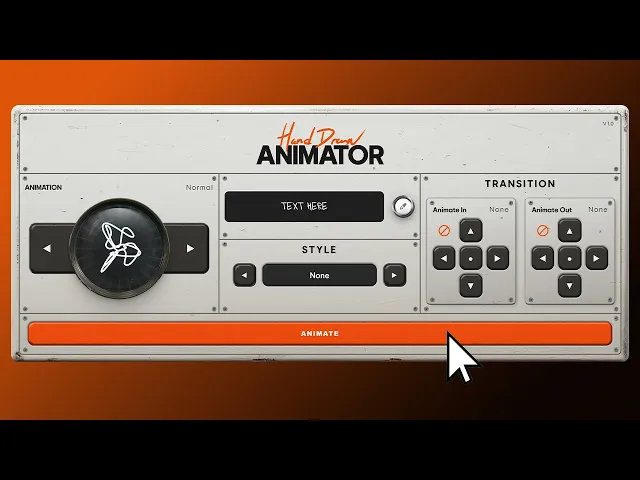
Create scroll-stopping hand-drawn text animations for your projects in seconds, all rendered natively, no dependencies.
Editors
Marketers
Designers
80M+
80M+
Views generated
0K+
0K+
Creators support
0
0
Click To Animate




01
Runs directly inside After Effects and Premiere Pro. No Animation Composer, no third-party anything, no subscription.

02
The actual signature style
Not a generic “handwritten” font. This is the real hand-drawn animation people have been trying to copy for years and can’t quite match.

03
Fast where it used to be slow

04

05
Control every
stroke
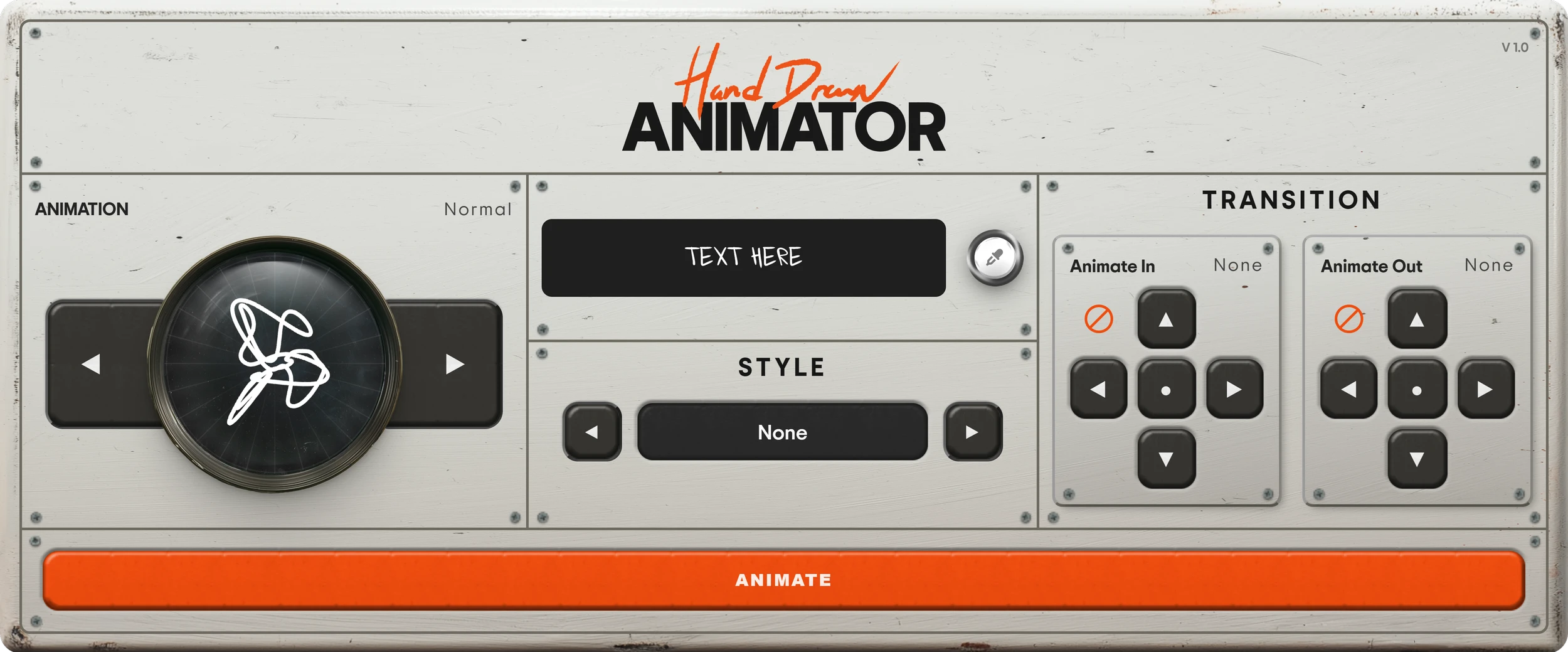
Dial in timing, scale, and the amount of hand-drawn movement until the animation feels exactly right for the cut.

06
Made for real deadlines
Build polished animated titles while the edit is still moving. Less keyframing, more time for the work that matters.
Create scroll-stopping hand-drawn text animations for your projects in seconds — all rendered natively, no dependencies.
Installation
System Type· Mac OS 10.14 + · Windows 10 +
Download the installer.
Run it (Mac: .pkg, Windows: .exe).
Restart After Effects or Premiere Pro.
Find the Hand-Drawn Text Animator in your Effects panel.
After Effects
CC 2020 or newer. macOS 10.14+ or Windows 10+.
Premiere Pro
CC 2020 or newer. macOS 10.14+ or Windows 10+.


Best Deal

Compare
$54
$114
$349
I literally haven't used any other editing bundle since downloading this, thank you so much man!

Ethan Chene
@chene.films
I've used Jordans plugin before, and it works great! Highly recommend it to anyone looking to create cool hand-drawn animations for their videos.

Mapal Berenson
@mapalberenson
We formally approve the creativity & development behind Jordan's tools. It's so exciting to see a talented Creator giving back to their community.

Adobe
@adobevideo
The Plugin is phenomenal. UI feels like a music synth and is super easy to use. Would 100% recommend it.

Skymography
@skymography
All of Jordan's editing tools are peak. Perfect for editors at every stage of the process.

Keoni Winder
@ keoniwnder
It's tight dude! I'm not super familiar with After Effects, but even I understood how to use it and highly recommend it!

Peter Sanjur
@peter.sanjur
Used your transitions for a client project and they loved it so much, I just signed a year contract!

Hayden Media


10K+ Creators Support
5/5